
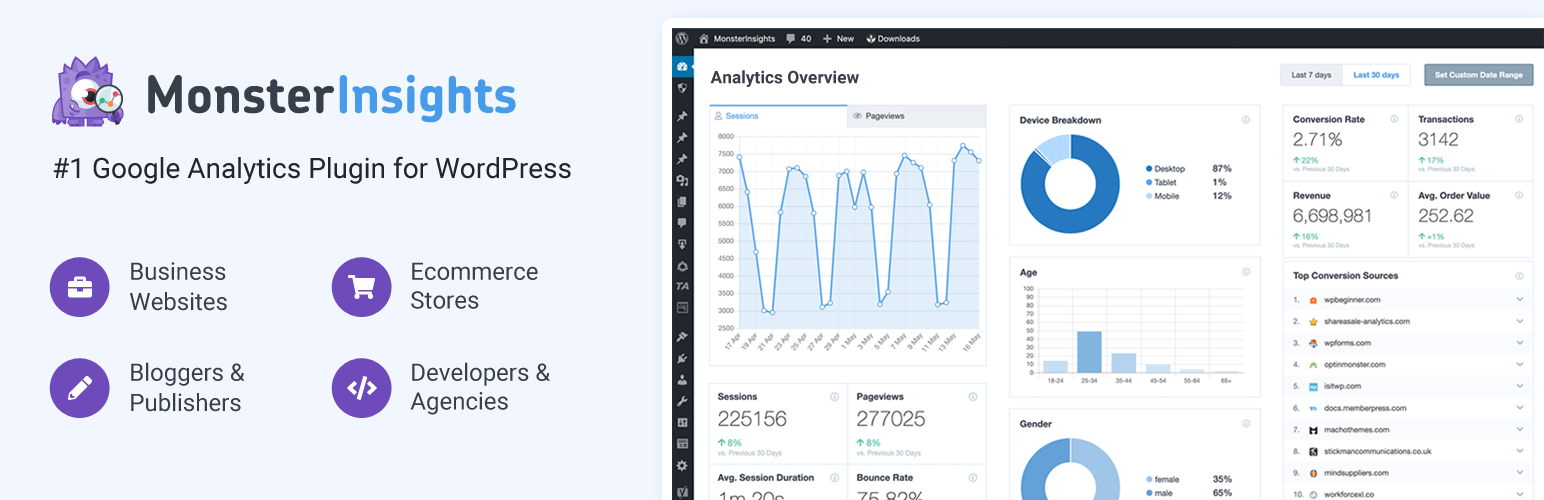
Image Source: MonsterInsights WP Plugin Website
The Problem I Encountered
I recently launched a WordPress website dedicated to promoting jazz music—a place where I plan to share articles, playlists, and updates about artists and events. Since the site is still new and hasn’t attracted many visitors yet, I wanted to make sure I have a reliable way to track its performance from the start. My goal is to measure how people discover my content, what pages they spend the most time on, and how my audience grows over time. Setting up analytics early would help me stay on track and make informed decisions as my site develops. Rather than manually embedding Google Analytics tracking code, I wanted a simpler, plugin-based solution that integrates directly into WordPress.
The Final Decision
After exploring several analytics options, I chose MonsterInsights, one of the most popular Google Analytics plugins for WordPress. It’s widely trusted, with over three million active installations, and its biggest appeal is simplicity—it makes connecting a website to Google Analytics quick and code-free. The plugin provides detailed reports right inside the WordPress dashboard, showing audience demographics, traffic sources, and content performance. For someone managing a small, creative website like mine, it seemed like the perfect way to gain insights without needing to log into Google Analytics separately or handle technical setup steps.
The Runner-ups
I looked into two alternatives before choosing MonsterInsights: Site Kit by Google and Independent Analytics. Site Kit is Google’s official plugin, which connects multiple Google services like Analytics, Search Console, and AdSense all in one place. However, some users mentioned that it could make WordPress run slower or cause issues during updates. Independent Analytics, meanwhile, doesn’t rely on external servers and focuses on privacy. It’s great for users who want lightweight tracking without involving Google, but it lacks the depth and integration of MonsterInsights. In the end, I felt that MonsterInsights offered the best combination of ease of use and professional-grade features, which made it ideal for my growing site.
How’s the Setup Process
Installing MonsterInsights was straightforward but did involve one extra step. I went to Plugins → Add New in my WordPress dashboard, searched for MonsterInsights, and installed it. However, when I first tried connecting it, I realized I hadn’t activated Google Analytics for my Google account yet. To fix that, I visited Google’s Analytics website, created a new project and property for my jazz site, then returned to MonsterInsights to reconnect it. Once linked, the plugin automatically added the tracking code to my site—no coding required. I visited a few of my own pages afterward and was relieved to find that my site’s performance hadn’t slowed down noticeably.
Reflection
Even though I haven’t seen traffic data appear yet, I believe installing MonsterInsights was a smart move for the long term. It sets me up to easily track visitors once my jazz website starts attracting more attention. I appreciate how simple the setup was and how neatly the reports integrate into WordPress. For now, I did find a minor downside — I can’t modify the stat time range in free version. This annoys me when I want to test out stat by visiting my site, but I can only view stat as latest as yesterday. Other than that, my site remains fast and responsive. I can’t give a conclusive word for now, but I’ll continue observing over the next few weeks. But so far, it seems like a reliable and worthwhile addition.
Let me know in the comment which plugin would you prefer? Do you find Google Analytics complicated too?

I think it’s smart that you set up tracking early, especially for a niche site like yours where audience patterns can be really unique. I’ve had similar frustrations with Google Analytics feeling a bit overwhelming. Often people can ask for analytics reports but its hard to know which analytics they need! There are so many panels and so much data that it’s easy to get lost. It’s very important that MonsterInsights offers clear, built-in dashboards, especially for keeping everything in one place.
I’m curious to see how the data starts to look for you once the site gains traction and if you ever outgrow the free version’s limitations.